
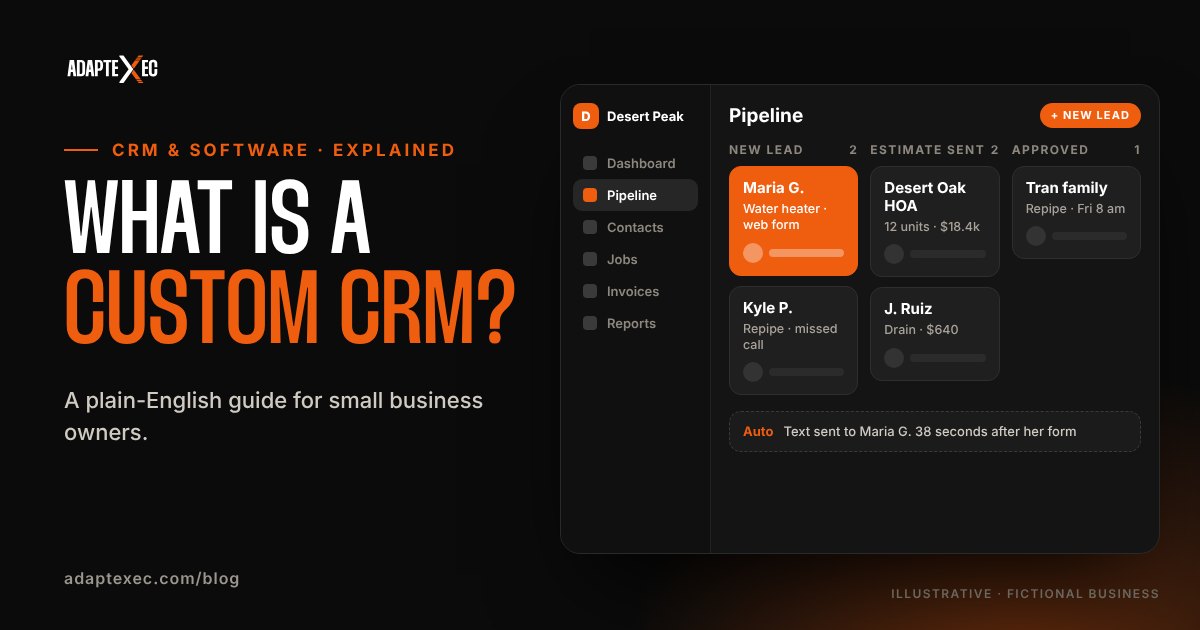
A custom CRM is customer relationship management software built for one business’s way of working, instead of a subscription product built for millions of companies. It keeps your contacts, leads, jobs, follow-ups and reports in one place, with your stages, your fields and your automations, and the business usually owns the software outright rather than paying per user every month. For a small business, it ranges from a focused lead-and-follow-up tool to a full system that runs operations, and at AdaptExec it starts around $1,500.
That’s the short answer. This guide is the plain-English version of everything else owners ask us before building one: what’s actually inside a custom CRM, how it differs from HubSpot or a spreadsheet, when it’s worth it (and when it isn’t), how it gets built, and what it costs.
Key takeaways
- CRM stands for customer relationship management: the system that tracks every customer and lead, and what happens next with each.
- “Custom” means built around your process, not configured inside someone else’s product.
- It’s worth it when your workflow is specific, your seat count is growing, or you’re paying for features you don’t use while missing ones you need.
- It’s not worth it if a standard pipeline fits and a free or low-cost tool does the job.
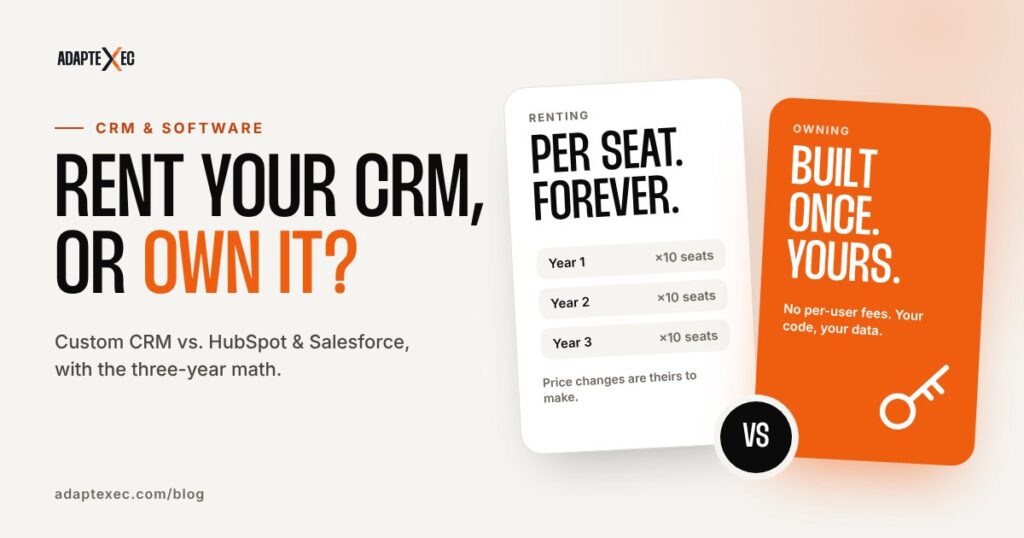
- Ownership is the big difference: your code, your data, no per-user fees.
What is a CRM, in one paragraph?
CRM stands for customer relationship management (Salesforce). In practice, a CRM is the place where your business remembers people: who contacted you, what they asked for, what you quoted, who’s following up and when, and what happened. If today that lives in an inbox, a spreadsheet, sticky notes and three people’s heads, you already have a CRM. It’s just a leaky one.
What makes a CRM “custom”?
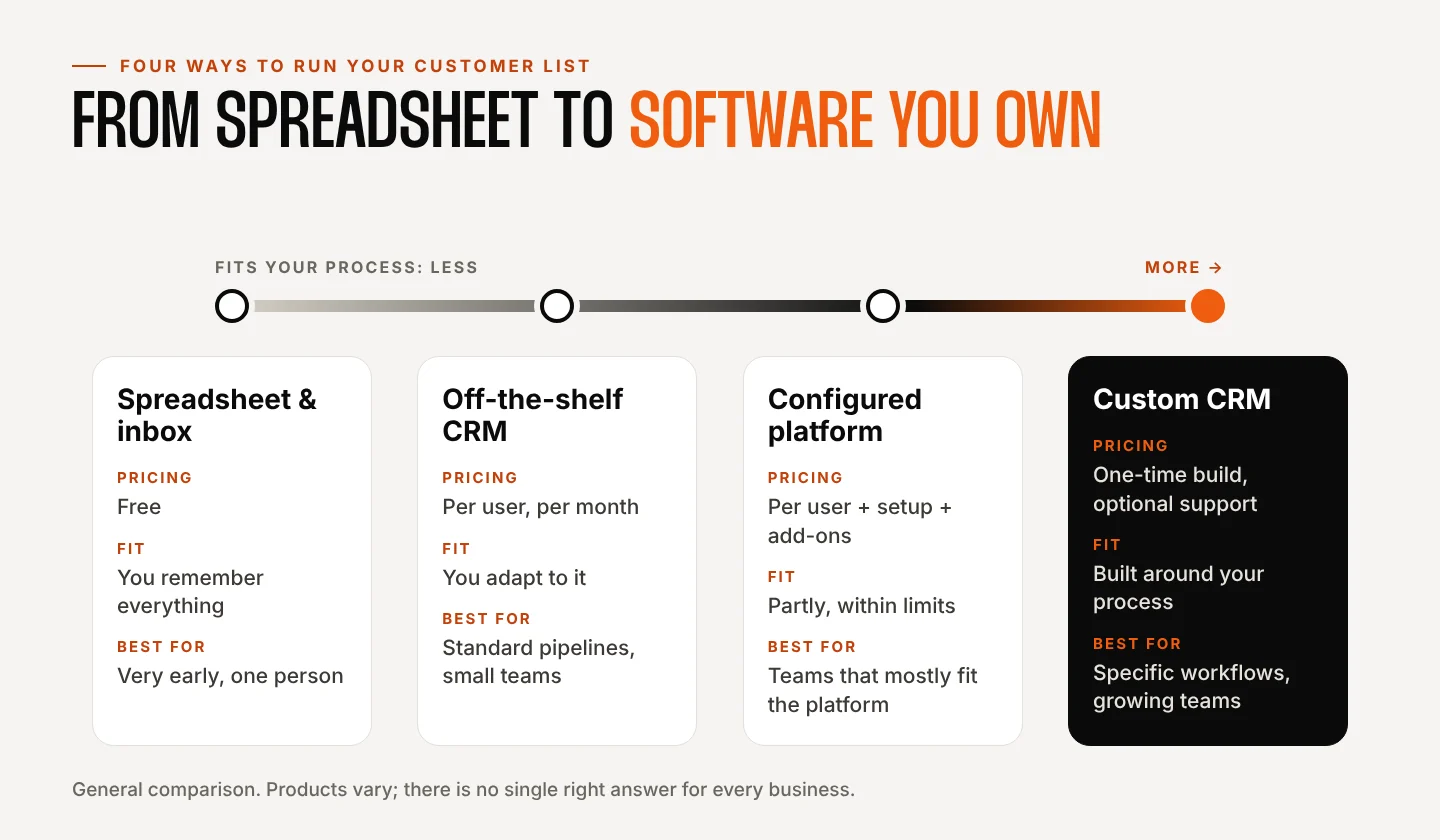
There are really three ways to get a CRM, and the word “custom” gets used loosely for two of them.
| Off-the-shelf | Configured platform | Custom-built | |
|---|---|---|---|
| What it is | A subscription CRM used as it comes | A subscription CRM customized with fields, pipelines and add-ons | Software built from the ground up for your workflow |
| Fits your process | You adapt to it | Partly; within the platform’s limits | Designed around it |
| Pricing model | Per user, per month | Per user, per month, plus setup and add-ons | One-time build; optional support |
| Who owns it | The vendor | The vendor (you own your data) | You |
| Time to start | Same day | Weeks | Weeks to months, often in phases |
| Best for | Standard sales pipelines, small teams | Teams that fit the platform with some tweaks | Specific workflows, growing teams, CRMs that run operations |
General comparison; individual products vary.
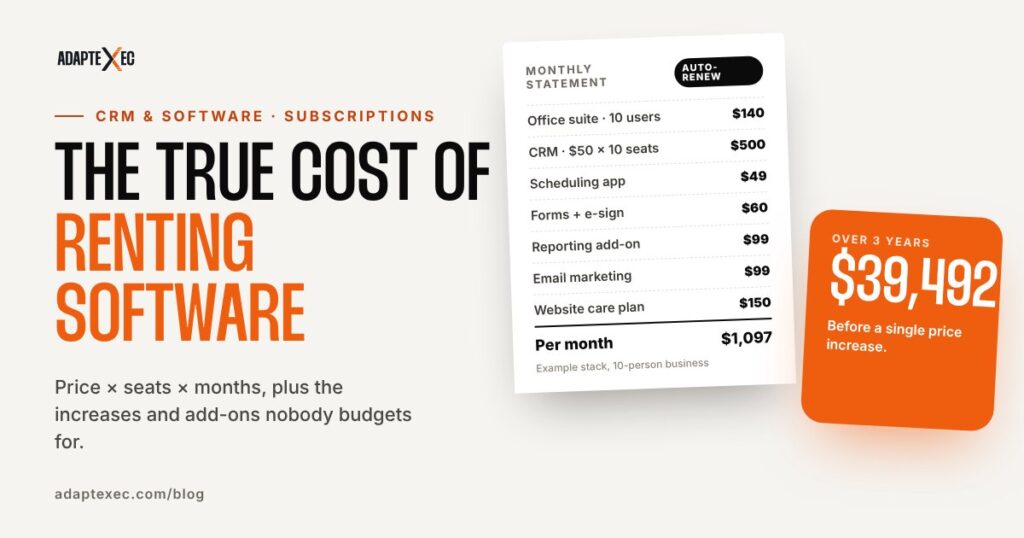
Configured platforms are a legitimate middle ground. The catch is that you’re still renting. HubSpot’s Sales Hub Professional, for example, starts at $90 per seat per month billed annually, plus a required one-time $1,500 onboarding fee (HubSpot pricing, accessed October 2026). We run the full three-year comparison in custom CRM vs. HubSpot and Salesforce.
What’s inside a custom CRM
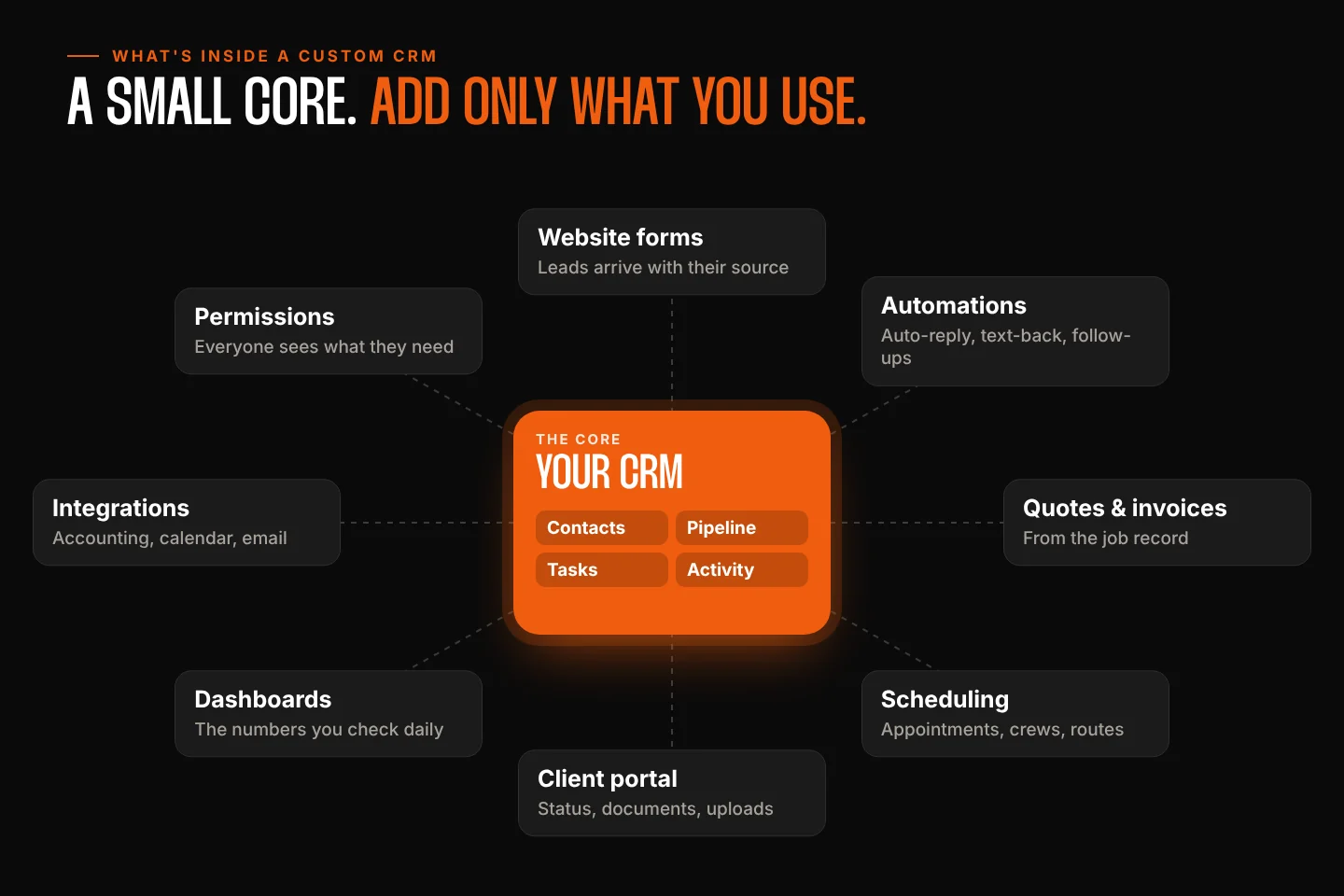
Every custom CRM is different, which is the point. But most small business builds are assembled from the same core pieces, chosen to match how the business runs.
The core
- Contacts and companies. Every customer and lead, with the fields you actually use (a roofer tracks roof type and insurance claim; a med spa tracks treatments and rebooking dates).
- Pipeline. Your stages, in your words: “Inspection booked,” “Estimate sent,” “Approved,” not someone else’s “Opportunity: Stage 3.”
- Tasks and reminders. Every lead has a next step, an owner and a date.
- Activity history. Calls, texts, emails, notes and files in one timeline.
Common additions
- Website form intake. Inquiries land in the pipeline with their source, instead of an inbox.
- Automations. Instant auto-replies, missed-call text-back, follow-up sequences and alerts. These are what make fast lead response realistic for a busy team.
- Quotes, proposals and invoices. Generated from the job record, not retyped.
- Scheduling and dispatch. Appointments, crews and routes.
- Customer portals. Clients log in to see status, sign documents or upload photos.
- Dashboards. The handful of numbers you check every morning.
- Integrations. Accounting, calendars, email, payment processors and industry tools.
- Roles and permissions. Each person sees what they need, and nothing they shouldn’t.
When a custom CRM makes sense (and when it doesn’t)
We build custom CRMs for a living, and we still tell people not to build one fairly often. Here’s the honest split.
A custom CRM usually makes sense when…
- Your workflow has steps no standard CRM handles well: inspections, insurance claims, multi-stage onboarding, recurring service, approvals.
- You’re paying for several tools that don’t talk to each other, and someone copies data between them.
- Your team is growing and per-seat fees are climbing faster than the value.
- The CRM needs to run operations (jobs, crews, portals, invoices), not just track sales.
- You want to own your software and data, and not be exposed to a vendor’s price changes.
It usually doesn’t when…
- You’re a team of one or two with a simple pipeline. A free or low-cost CRM is fine.
- Your main need is marketing automation at scale, where big platforms are strong.
- You need something running this week.
- You haven’t settled your process yet. Build once you know how you work.
What custom CRMs look like in real businesses
A few builds from our portfolio, to make “custom” concrete:
- Financial services. For The Miliare Group and Virtuity Financial Partners, we built two websites plus custom CRM tools shaped around how their agents prospect, onboard and serve clients. Thousands of agents use them daily.
- Field services. For Diamondback Pros, a custom CRM command center handles jobs, customers, the time clock, receipts, proposals and invoices.
- Home improvement. For Nova the Beam Guy, a showcase website for custom beams plus a CRM that manages the whole business.
Different sizes, same principle: the software follows the work, not the other way around.
How a custom CRM gets built
- Map the process. We walk through how leads arrive, every stage, who does what, and what you need to see each day.
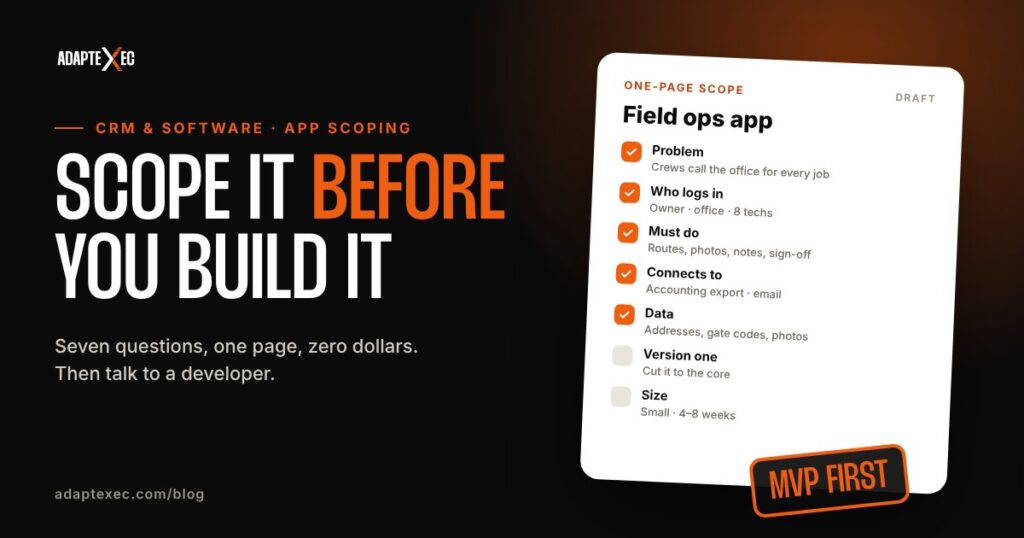
- Scope phase one. The smallest version that replaces your current mess. Everything else goes on a “later” list.
- Design the screens. Pipeline, contact record, dashboard. You review them before they’re built.
- Build and connect. Website forms, automations and the integrations that matter.
- Move your data in. Import contacts and open deals from spreadsheets or your old system.
- Train and launch. Short training, then real use. Adjust based on what the team actually does.
- Add phases as you grow. Portals, reporting, AI helpers, when they’re worth it.
Owning your data comes with responsibility
When you own the CRM, you also own the job of protecting what’s in it. The FTC’s guide for businesses boils data protection down to five principles: take stock of the personal information you have, scale down to what you need, lock it, pitch it when you no longer need it, and plan ahead for incidents (FTC). A well-built custom CRM supports all five: role-based permissions, only the fields you need, secure hosting, backups and clean exports. Ask any developer, us included, how each is handled.
What a custom CRM costs at AdaptExec
Our custom CRMs start around $1,500, and every quote is custom. The illustrative ranges in our CRM Builder are $1,500 to $8,000 for a starter CRM, $6,000 to $25,000 for a growth build with more modules and integrations, and $20,000 to $60,000+ for advanced systems, usually delivered in phases. Larger web apps and portals are scoped in our App Idea Scoper.
- You own what we build: the code and the data. No per-user fees.
- No required monthly plan and no long-term contract. Support and improvements are available if you want them.
- Connected to your website, so every inquiry lands in the right pipeline with its source.
Learn more on our custom CRM and web app page, or estimate what your current subscriptions cost over time with the Subscription Savings Estimator.
What is a custom CRM? Your questions answered
What is a custom CRM in simple terms?
It’s software built specifically for your business to track customers, leads and follow-ups, using your own stages, fields and automations. Unlike a subscription CRM, you typically own it and don’t pay per user.
Is a custom CRM better than HubSpot or Salesforce?
Not automatically. Big platforms are excellent for standard sales and marketing work. A custom CRM wins when your process is specific, your team is growing, or the CRM needs to run operations. Compare three-year costs for your seat count before deciding.
How long does it take to build a custom CRM?
A focused first phase often takes a few weeks; larger systems take months and are usually delivered in phases so you can start using the core sooner. Clear process notes and clean data speed things up.
Can a custom CRM connect to my website and QuickBooks?
Usually, yes. Website forms are the most common connection. Accounting, calendars, email and payment tools can be connected when they offer an integration method, which most mainstream tools do.
What happens to my data if I stop working with the developer?
With an owned custom CRM, the code and data are yours. Make sure your contract says so, that hosting is in your name, and that you can export your data in a standard format.
Sources
- Salesforce: What is CRM?, accessed October 2026.
- HubSpot: Sales Hub pricing, accessed October 2026.
- Federal Trade Commission: Protecting Personal Information, A Guide for Business, accessed October 2026.