
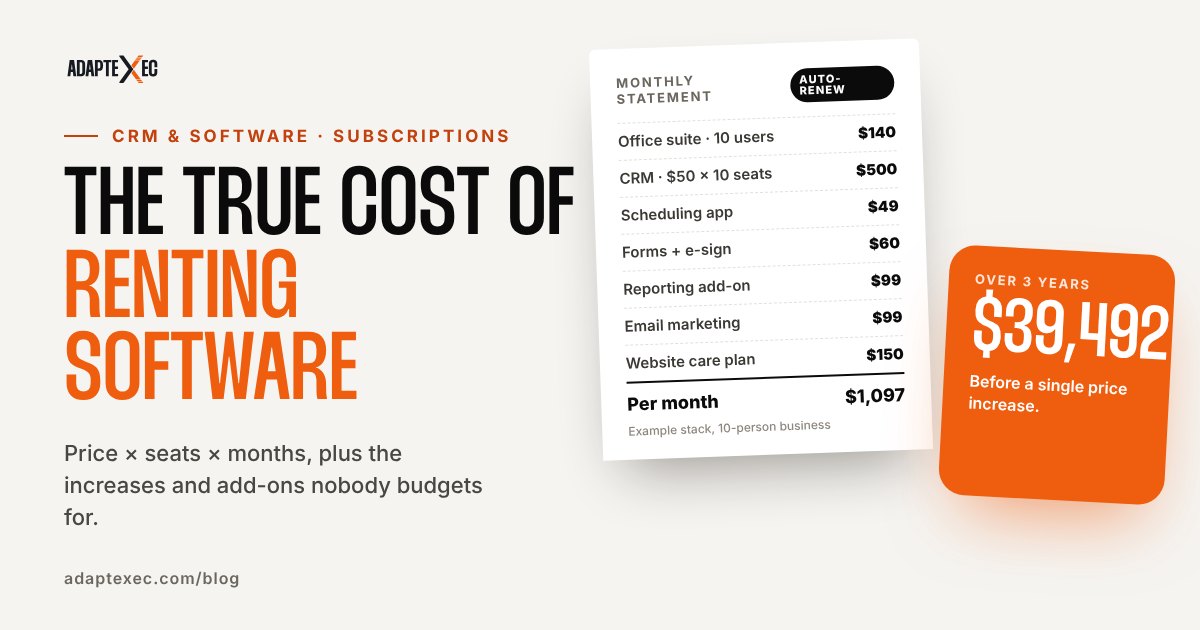
The true cost of renting your business software isn’t the monthly price. It’s price × seats × months, plus the price increases, tier upgrades, add-ons, unused licenses and overlapping tools that pile on over time, plus what it costs to leave. For a typical 10-person service business, a modest stack of subscriptions can pass $1,000 a month, or roughly $40,000 over three years. Some of those tools are worth renting forever. Some aren’t.
Software subscription costs are easy for a small business to underestimate. This guide is for owners who look at the credit card statement and wonder how the software line got so big. We build custom CRMs and web apps, so we have an obvious point of view, but we’ll be straight about which tools you should keep renting. The goal is a clear, three-year number you can make decisions with.
Key takeaways
- Per-seat pricing scales with your headcount, so software costs grow every time you hire.
- Prices go up. Google Workspace and Microsoft 365 both raised list prices in the last two years.
- A lot of what you pay for goes unused. One SaaS management firm found about half of licenses unused in a typical month at the companies it studies.
- Rent commodity tools like email, office suites, accounting and payroll. Consider owning the tools that run your specific workflow.
- Decide with a three-year total, not a monthly price.
The six hidden costs of renting software
Subscription software is great at feeling cheap. $14 a month. $50 a seat. $99 for the add-on. The costs hide in how those numbers multiply and change.
1. Seats multiply with every hire
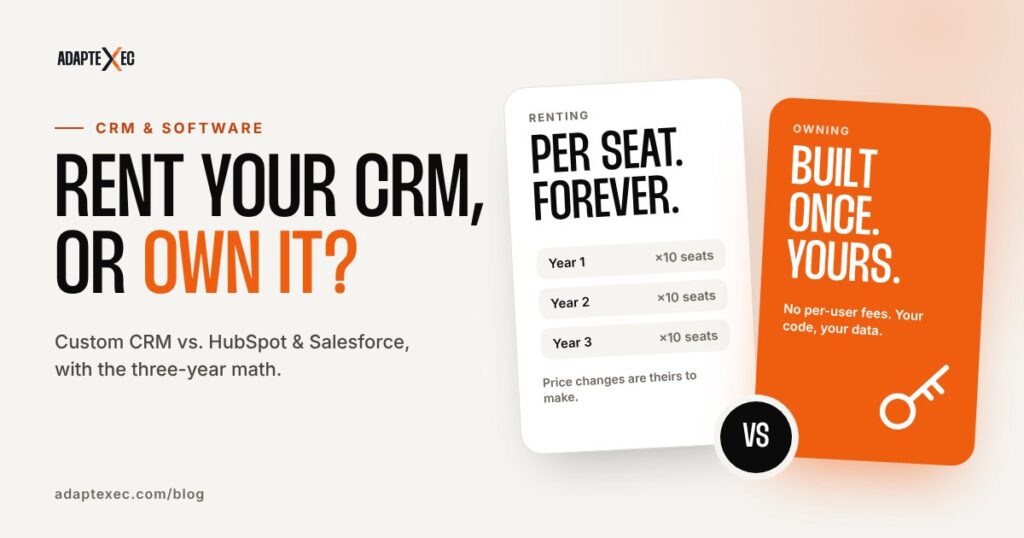
Most business software is priced per user. A tool that costs $50 a seat is $500 a month at 10 people and $1,000 at 20. Your software bill grows with your team whether or not anyone uses the tool more.
2. Prices go up, and you rarely get a vote
Even the biggest platforms raise prices. Google Workspace Business Standard went from $12 to $14 per user per month on annual plans in 2025 (and from $14.40 to $16.80 on flexible plans), as reported by 9to5Google and reflected in Google’s own current pricing (Google Workspace Admin Help). Microsoft announced list price changes for Microsoft 365 commercial suites taking effect July 1, 2026 (Microsoft 365 Blog). Both came bundled with new AI features. Whether you wanted those features or not, the new price applies at renewal.
3. Tier creep
The feature you need is almost always one tier up. Automations, custom fields, reporting and user permissions are classic upgrade triggers. Many CRM and marketing platforms also charge one-time onboarding fees on their higher tiers. We covered real CRM examples in Custom CRM vs. HubSpot & Salesforce.
4. Seats and tools nobody uses
Zylo, a company that tracks software spending for larger organizations, reports that 53% of SaaS licenses go unused in an average 30-day period, and that the average company in its 2025 index held 275 SaaS applications (Zylo). Those are big-company numbers, and a 10-person business won’t have 275 apps. The pattern still shows up at every size: the former employee’s seat still billing, the scheduling app you replaced but never canceled, two tools doing the same job.
5. Workarounds and duct tape
When off-the-shelf tools don’t fit your process, your team fills the gaps by hand: copying leads from one app to another, keeping a spreadsheet next to the CRM, paying for a connector service to glue tools together. That time never shows up on the software bill, but you pay for it in payroll.
6. The cost of leaving
You can usually export your contacts. Your automations, reports, templates and history are harder. The longer you rent, the more you build inside someone else’s product, and the more it costs to walk away. That’s not a scandal; it’s how subscription businesses work. It’s still a cost.
Small business software subscription costs: the math
Here’s an example stack for a fictional 10-person home-services company. Apart from Google Workspace’s published price, the prices are example assumptions chosen to be typical of their categories, not quotes for any specific product. Swap in your own numbers.
| Tool | Monthly | 1 year | 3 years | Rent or own? |
|---|---|---|---|---|
| Email and office suite (Google Workspace Business Standard, 10 users, annual) | $140 | $1,680 | $5,040 | Rent |
| CRM ($50 per seat × 10, example) | $500 | $6,000 | $18,000 | Could own |
| Scheduling and booking app (example) | $49 | $588 | $1,764 | Could own |
| Forms and e-signature (example) | $60 | $720 | $2,160 | Could own |
| Reporting add-on (example) | $99 | $1,188 | $3,564 | Could own |
| Email marketing (example) | $99 | $1,188 | $3,564 | Usually rent |
| Website care plan (example) | $150 | $1,800 | $5,400 | Optional |
| Total | $1,097 | $13,164 | $39,492 |
Google Workspace price from Google Workspace Admin Help, accessed October 2026. All other prices are example assumptions. Totals assume flat prices; real increases would push them higher.
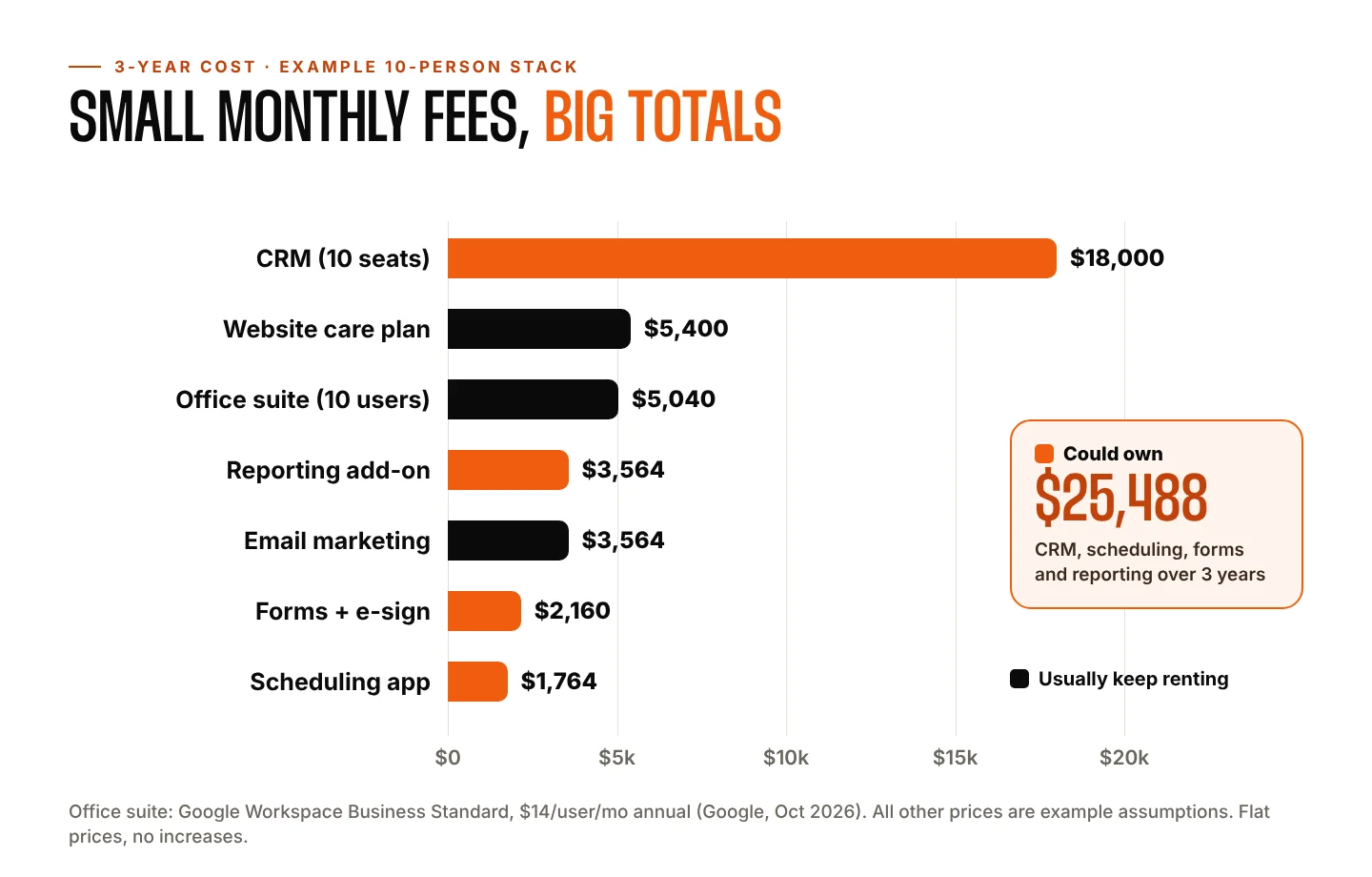
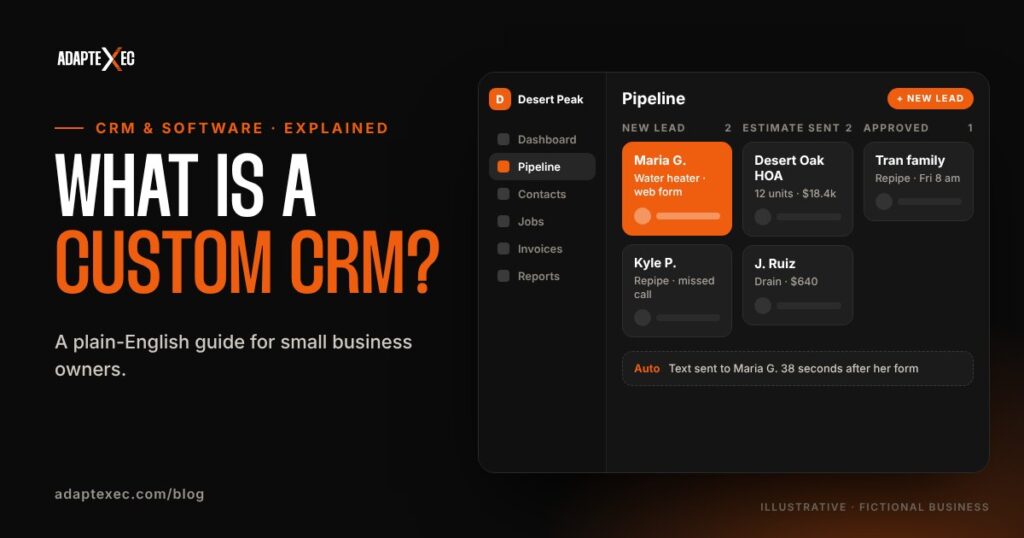
Look at the “could own” rows. The CRM, scheduling, forms and reporting tools add up to $708 a month, or about $25,500 over three years, and they’re the four tools most likely to be doing one connected job: turning a lead into a booked, documented, paid job. That’s exactly what a custom CRM is built to do.
Now the honest part. Our illustrative CRM Builder ranges are $1,500 to $8,000 for a starter CRM and $6,000 to $25,000 for a growth build with more modules and integrations. A focused starter build would beat that rental total easily. A big growth build might only break even over three years, and the case would rest on fit, ownership and growth rather than savings alone. That’s why you do the math with your own numbers instead of trusting anyone’s headline, including ours.
What to rent and what to own
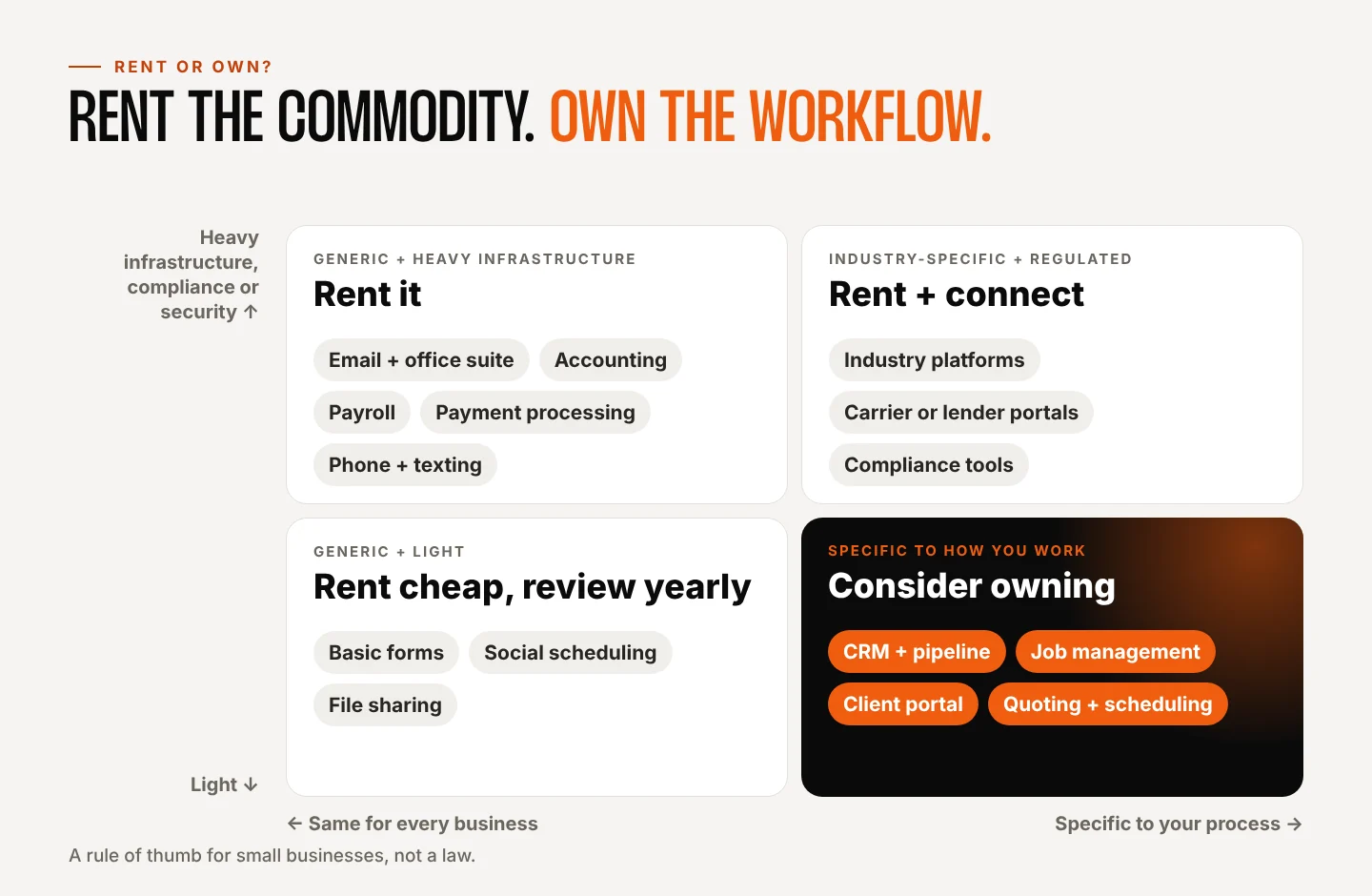
The useful question isn’t “rent or own?” across the board. It’s “which tools are commodities, and which ones run the part of the business that makes you different?”
| Keep renting | Consider owning |
|---|---|
| Email, calendar and office documents | CRM and sales pipeline built around your process |
| Accounting, payroll and tax | Job, project or case management |
| Payment processing | Client portals and onboarding |
| Phone systems and texting infrastructure | Quoting, proposals and scheduling specific to your services |
| Security, backups and device management | Dashboards and reporting on your own numbers |
A rule of thumb, not a law. Commodity tools are cheap to rent and expensive to rebuild. Workflow tools are where off-the-shelf software forces workarounds.
Renting is clearly right when you need something running this week, when your process is standard, when a team of two is on a free or starter plan, or when compliance and infrastructure are the vendor’s real value (payroll and payments are good examples). Owning starts to win when per-seat fees grow with your headcount, your team works around the tool, or several subscriptions are doing pieces of one workflow that should be one system.
How to cut what you rent today
You don’t need to build anything to save money this quarter. Start with an audit:
- List every subscription. Check the business card, the personal cards people expense, app-store billing and annual renewals that only show up once a year.
- Count seats against people. Remove anyone who’s left and anyone who hasn’t logged in for 60 days.
- Find overlaps. Two form builders, two schedulers, three places storing customer notes.
- Check your tier. Are you paying for a tier because of one feature? Is there a cheaper way to get it?
- Move to annual billing only for tools you’re certain you’ll keep. It’s usually cheaper but harder to escape.
- Put renewal dates on a calendar with a reminder 30 days ahead, so every renewal is a decision instead of a surprise.
- Total the “could own” tools over three years. That’s the number to compare against a custom build.
Owning isn’t free either
Custom software has its own costs, and anyone selling it should say so plainly:
- An upfront build cost, paid before you see the savings.
- Hosting, usually modest for a small business app, but not zero.
- Maintenance and improvements over time, which you can handle through a developer of your choice, in-house staff or an optional support plan.
- Time from your team during discovery and testing, so the tool matches how you really work.
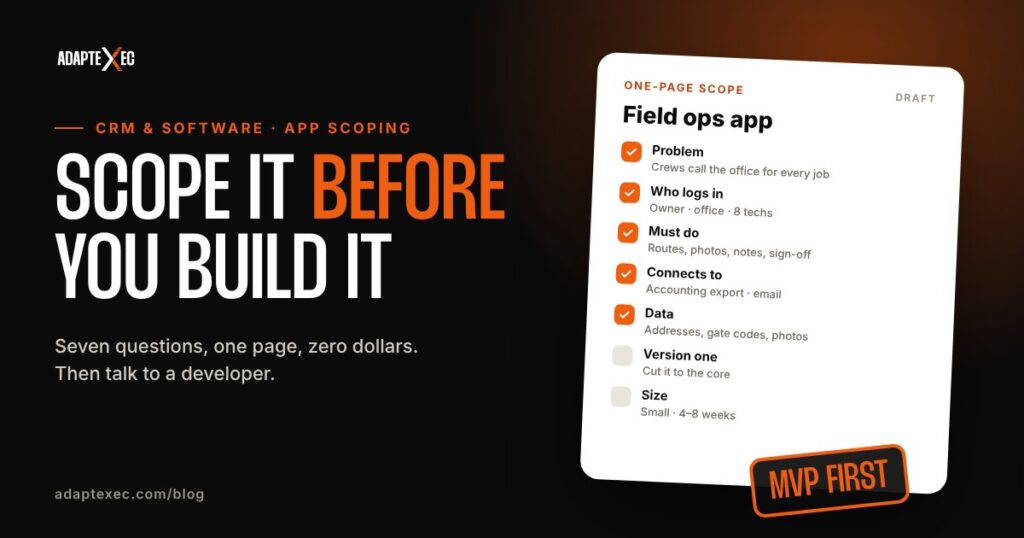
The difference is that these costs don’t multiply with every hire, they don’t rise at someone else’s renewal date, and what you pay for becomes an asset you own rather than access you lose when you stop paying. Before you commit to any build, scope it on one page first; our guide on how to scope an app idea walks through it.
How AdaptExec helps you stop renting what you could own
We started AdaptExec because we kept watching businesses pile up CRM subscriptions, retainers and add-on fees that renewed whether or not they helped. You can read that story on Why AdaptExec. Our approach is simple: we build the custom CRMs and web apps that run your specific workflow, connect them to the commodity tools worth keeping, and hand you the keys.
Custom CRMs start around $1,500 and custom software around $2,500, and every quote is custom. Once your project is paid in full, you own what we build. There’s no lock-in contract and no required monthly plan; optional support is available if you want it. To see what your own system could look like, try the free CRM Builder, which shows an illustrative range next to what you rent today.
Software subscription costs FAQ
How much does a small business spend on software subscriptions?
It varies widely by industry and team size. A 10-person service business with an office suite, CRM, scheduling, forms, reporting and email marketing can easily pass $1,000 a month, or about $40,000 over three years. Add yours up with real numbers before deciding anything.
Is it cheaper to build custom software than to pay for subscriptions?
Sometimes. A focused custom build that replaces several per-seat tools often costs less over three years, especially as your team grows. A large custom platform may not. Compare the three-year rental total for the tools a build would replace against a real quote.
Which software should a small business never build?
Commodity tools with heavy infrastructure or compliance behind them: email and office suites, accounting, payroll, payment processing and phone systems. Rent those and connect your custom tools to them.
How do I find unused software subscriptions?
Review every card statement for 12 months (annual renewals hide), check expense reports, compare seat counts to current staff, and look at last-login dates inside each tool’s admin settings. Cancel or downgrade anything unused before its next renewal.
Do I own the software AdaptExec builds?
Yes. Once your project is paid in full, the custom application we built for you is yours. We keep rights only to our reusable frameworks and tools, which you receive a license to use as part of your system.
Sources
- Google Workspace Admin Help: AI features and pricing updates for Google Workspace Business editions, accessed October 2026.
- 9to5Google: Google Workspace price increase (January 2025)
- Microsoft 365 Blog: Advancing Microsoft 365, new capabilities and pricing update (December 2025)
- Zylo: SaaS stats to drive your IT strategy, accessed October 2026.